 FileBridge
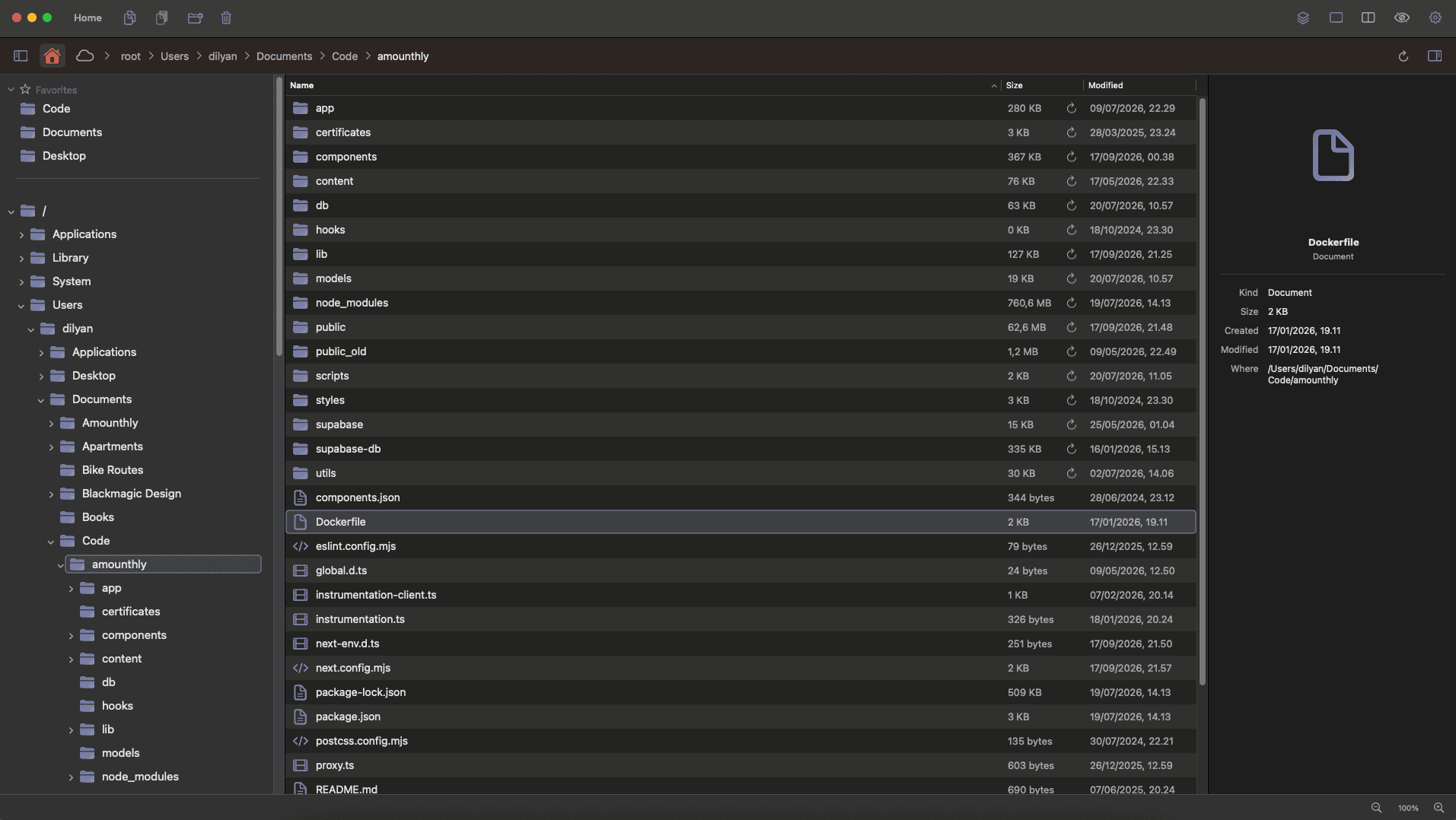
FileBridge is a dual-pane file manager for macOS.
Yes, another one.
I couldn't make Finder work for me using it for two years, so I built my own with the things I wanted.
Why did I build another macOS file manager?
I wanted three main things from my file manager:
- to work the way Windows Explorer does
- to replace Finder and Cyberduck
- to save me time when navigating files and folders
I know there are some great file managers for macOS, but I wanted to focus on simplicity, speed and great user experience.
What can it do now?
A few days ago I released the first version of FileBridge - v0.1.0. The main functionality is already in place:
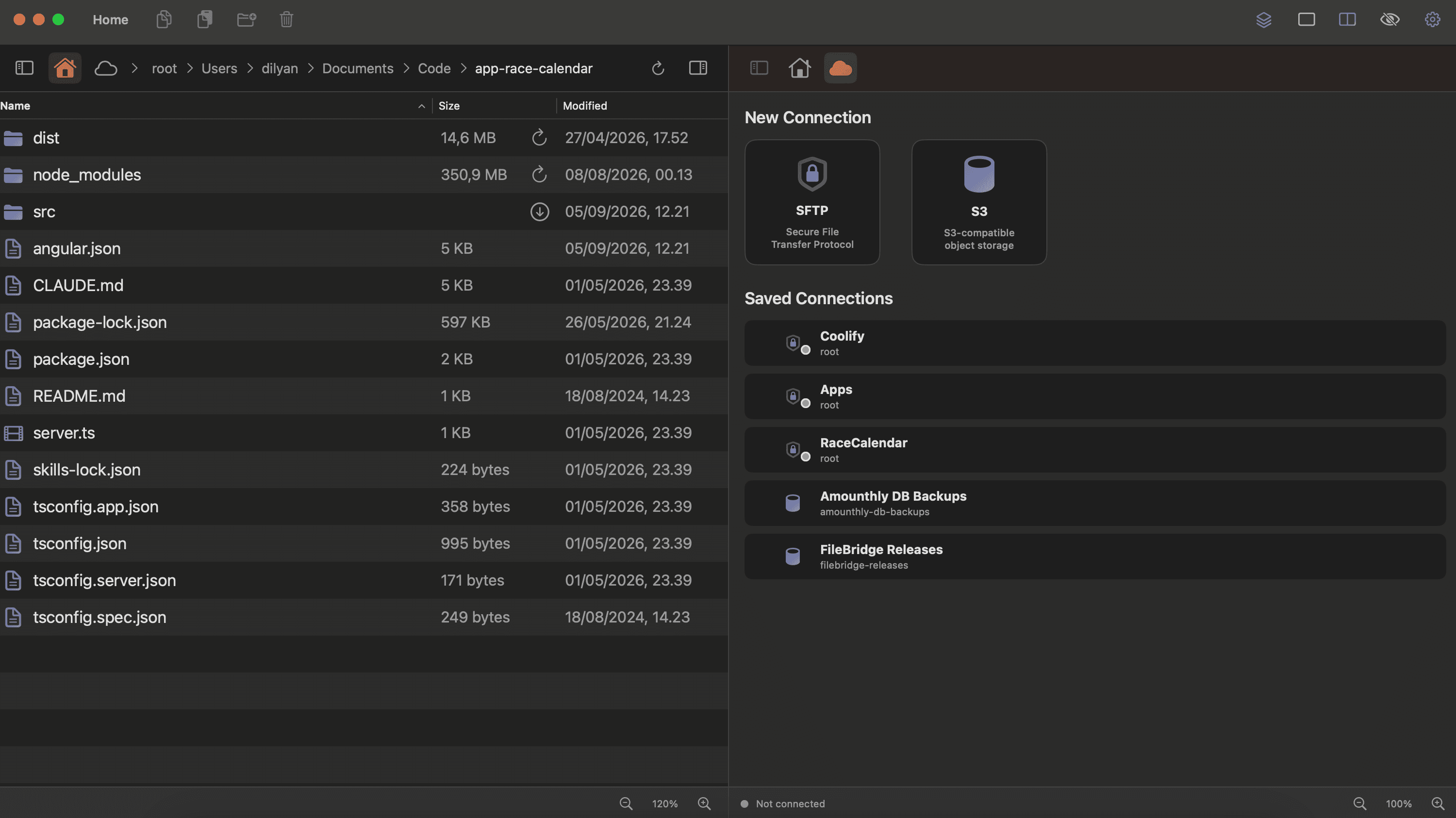
- open two panes side by side, local or remote in each one
- copy files with drag and drop
- navigate folders with a tree view
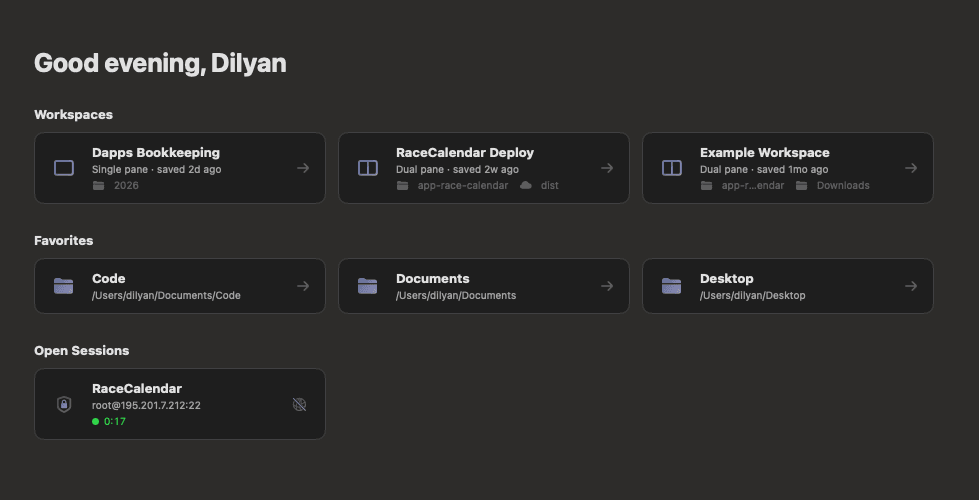
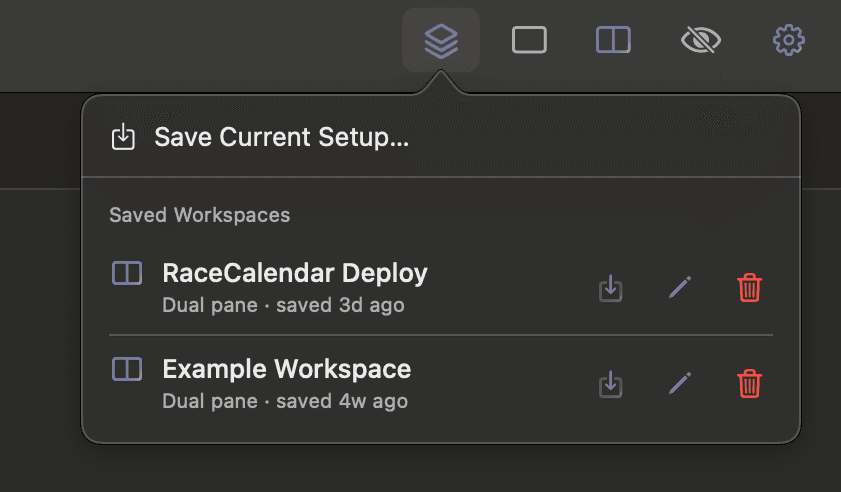
- save layouts as workspaces that reconnect to your remotes on open
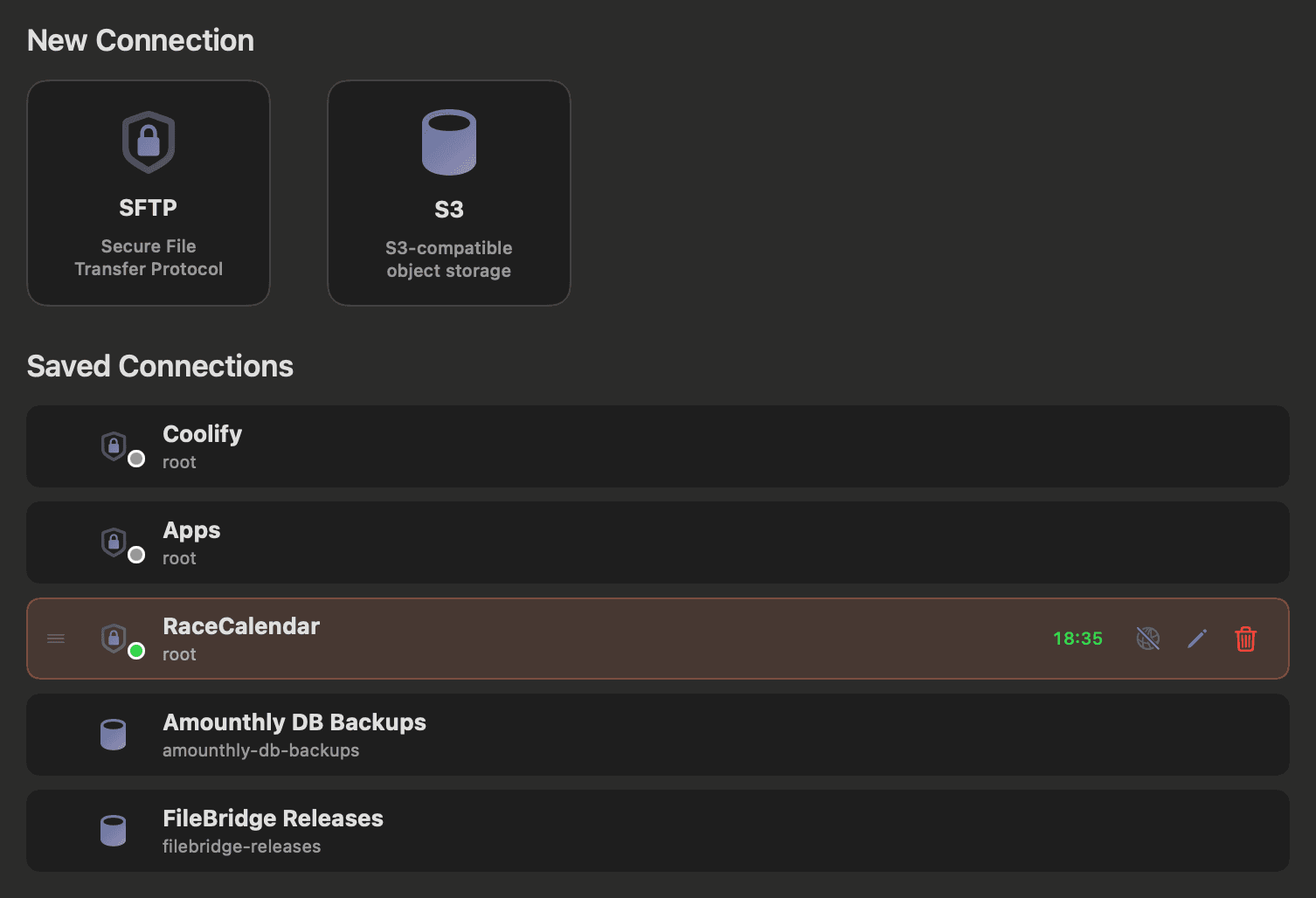
- connect over SFTP and to S3 buckets
- calculate a folder size on one click, and keep it for next time
- switch between light and dark themes
It is early and there is a lot more I want to add.
Why do I charge for it?
I charge $19 for lifetime access including all future updates. I know it is not a free product, but if you think it is not for you, you can always get a refund within 30 days. Getting something in return means I can keep improving the product and adding new features.
What is next?
I plan to add more features in the coming months, starting with file search and more ways to connect than SFTP and S3. The main goal of FileBridge is to be the tool that saves you time when navigating folders or copying files to a server. Everything I build will be around that.